Openers · Hamilton
Smart Garage Controller Setup in Hamilton
A smart hub arrived in the mail with a coin-cell sensor and two wires.
In plain words
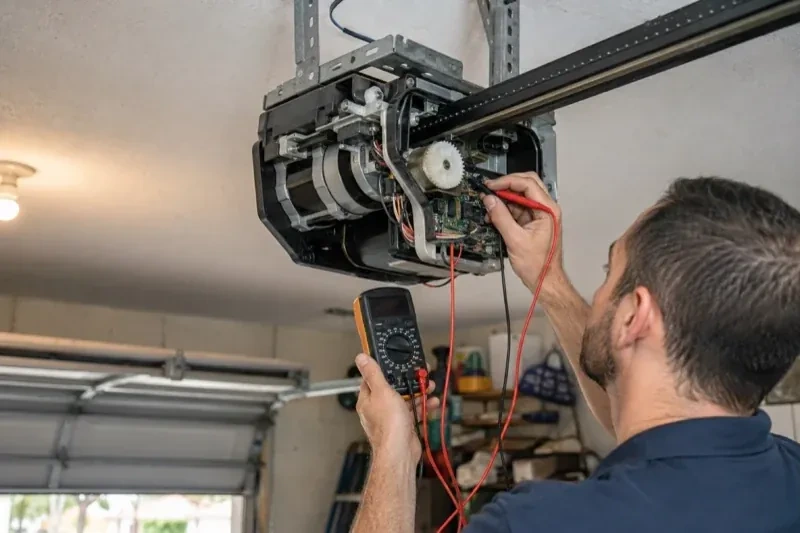
The physical part of the job is modest and tidy. A hub the size of a deck of cards is mounted near the opener and plugged into the same receptacle the motor uses. Where the opener allows, two low-voltage wires run from the hub to the wall-control terminals; where it does not, the hub is taught to the opener through the learn button like an extra remote. A sensor the size of a matchbox is screwed to the inside of the top door section, and its tilt tells the hub the door's position. Then the door is cycled until the app agrees with your eyes.
How the visit goesYour daughter gets home from school an hour before anyone else. She has lost two house keys this year, and the garage keypad code has been shared with half her class. You would rather open the door from your desk and know the moment she is in.
Smart Garage Controller Setup
How the visit goes
Who owns the account and who needs in
The last check is about people. The technician asks who in the household will hold the main account, which email it should live under, and which family members need everyday access as users. Anyone who should have temporary access, a cleaner or a contractor, is noted so that access can be set to expire. If the property came with a controller already installed, the app is checked to see whether it is still registered to the seller, which decides whether a reset and fresh claim is needed. Knowing all this before the hardware goes up means the account is built correctly once, in your name, with no loose ends.
Mounting and teaching the door sensor
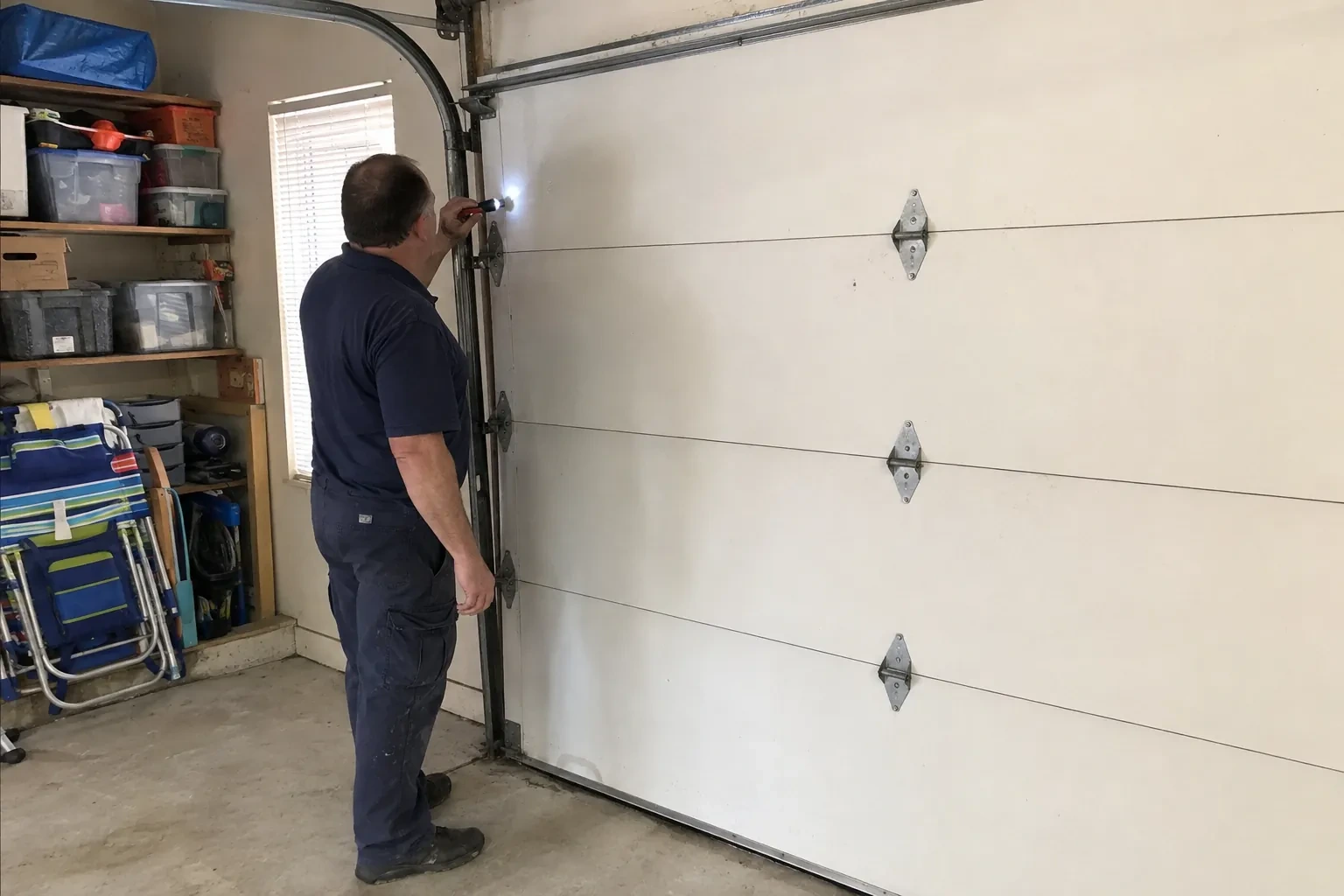
The sensor is fixed to the inside of the top door section with two screws, oriented the way its maker specifies so the tilt reading is unambiguous. Its battery goes in, and the hub is put into pairing mode to find it. The technician then follows the controller's own pairing procedure: some units come already programmed to their sensor and are simply verified through full cycles, others are taught the closed and open positions by cycling the door. Further cycles follow while the app is watched for the status to change within seconds of each end. A sensor that reports late or wrongly is repositioned rather than left to be second-guessed later.
Ready for the cold months
An installation done for this climate leaves you set for winter. The sensor is screwed rather than stuck on, its cell is a type built to withstand the cold, and the left-open alert is set so a door left up on a freezing night reaches your phone before the garage has lost its heat. Keep snow and ice cleared from the threshold and the photo-eye lenses, since a blocked beam pauses remote closing until it is cleared, and expect the door to be a shade slower on the coldest mornings. If the app reports the door open when it is plainly shut after a hard frost, the sensor mount is the first thing to check.
Smart Garage Controller Setup
In the van
Dry-contact adapter for encrypted openers
A 2x4 offcut for the reversal test
Door-position tilt sensor
Lithium coin cell or cylindrical cells
Mounting screws and brackets
Smart Garage Controller Setup
What affects the quote
Alerts, schedules and integrations
A left-open alert and a nightly schedule are standard. Linking the door to other smart-home systems or setting up several schedules is additional configuration.
Ceiling height and access
A standard garage puts the head unit and the top door panel in easy ladder reach. High ceilings, storage lofts or a car that cannot move add setup time.
Built-in radio or retrofit hub
An opener whose wireless radio is already inside needs configuration and testing. An older opener needs a hub, a sensor, wiring or radio pairing and the same testing, which is a longer visit with hardware.
What to have ready
- Are both photo-eye sensors near the floor lit steadily?
- Is there an existing controller on the ceiling from a previous owner?
- Is there a spare socket in the ceiling receptacle the opener uses?
Smart Garage Controller Setup: questions
QuestionsWill I get an alert if the door is left open?
That is one of the first settings made. You choose how long the door can stay open before you hear about it, often ten or fifteen minutes, and the notification goes to every phone on the account or only to some. In a climate with real winters this single alert saves a good deal of heat, and occasionally a pipe in the wall shared with the house.
Will my existing remotes and keypad still work?
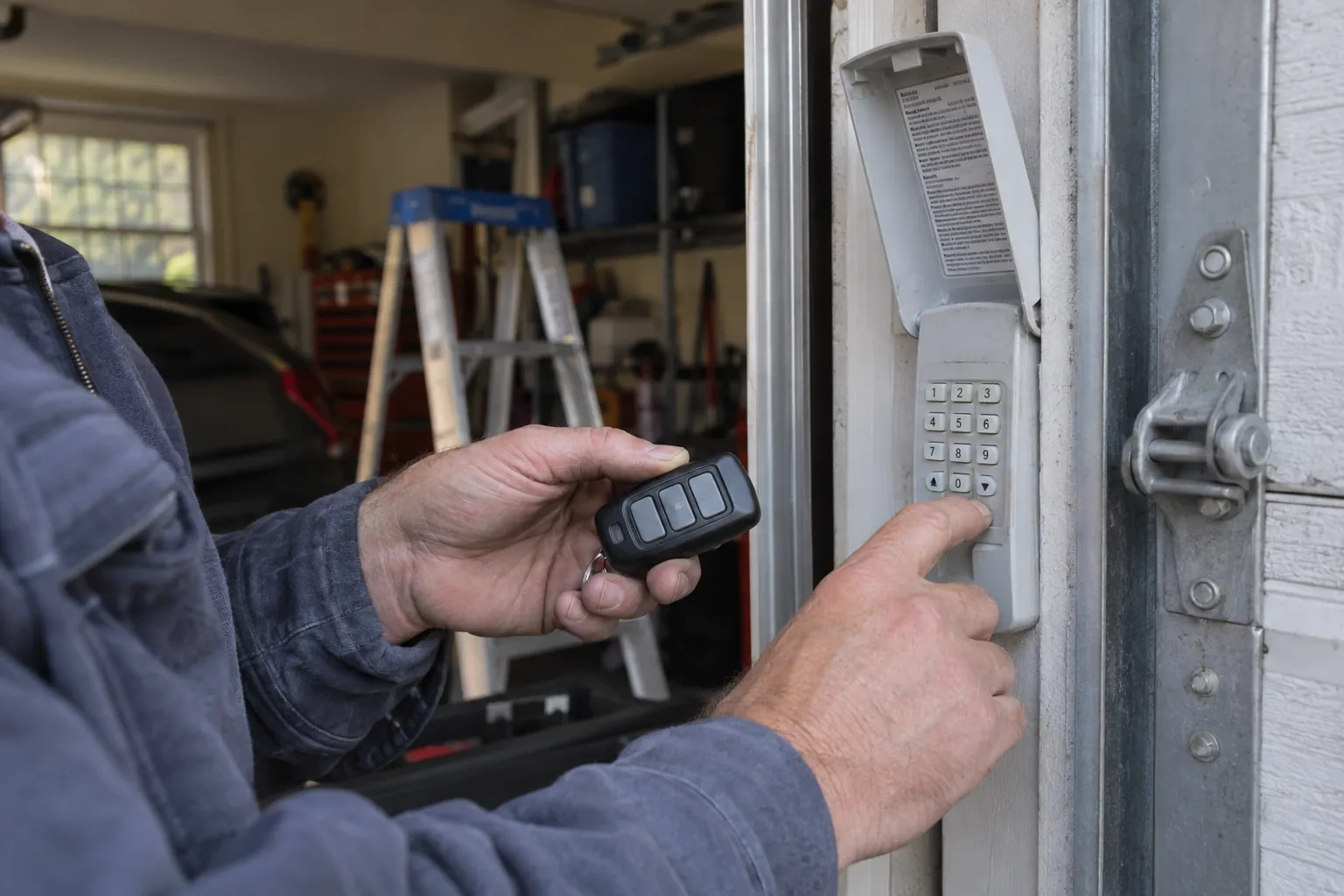
Yes. The controller adds a new way to give the opener the same command; it sits alongside the ones you already have. Wall console, remotes and outdoor keypad keep working exactly as before, and each is tested at the end of the visit. If a remote has been failing for reasons of its own, a flat battery or a worn button, that is a separate small fix the technician can do while there.
Do you need my Wi-Fi password?
No. The technician will ask you to type it into the app yourself at the right moment and will look away while you do. The same goes for the account password and any verification code. The technician needs to see that the hub has joined and that commands work, not the credentials that made it happen. If you do not know your network password, find it before the visit; it is often printed on the router.
Related services
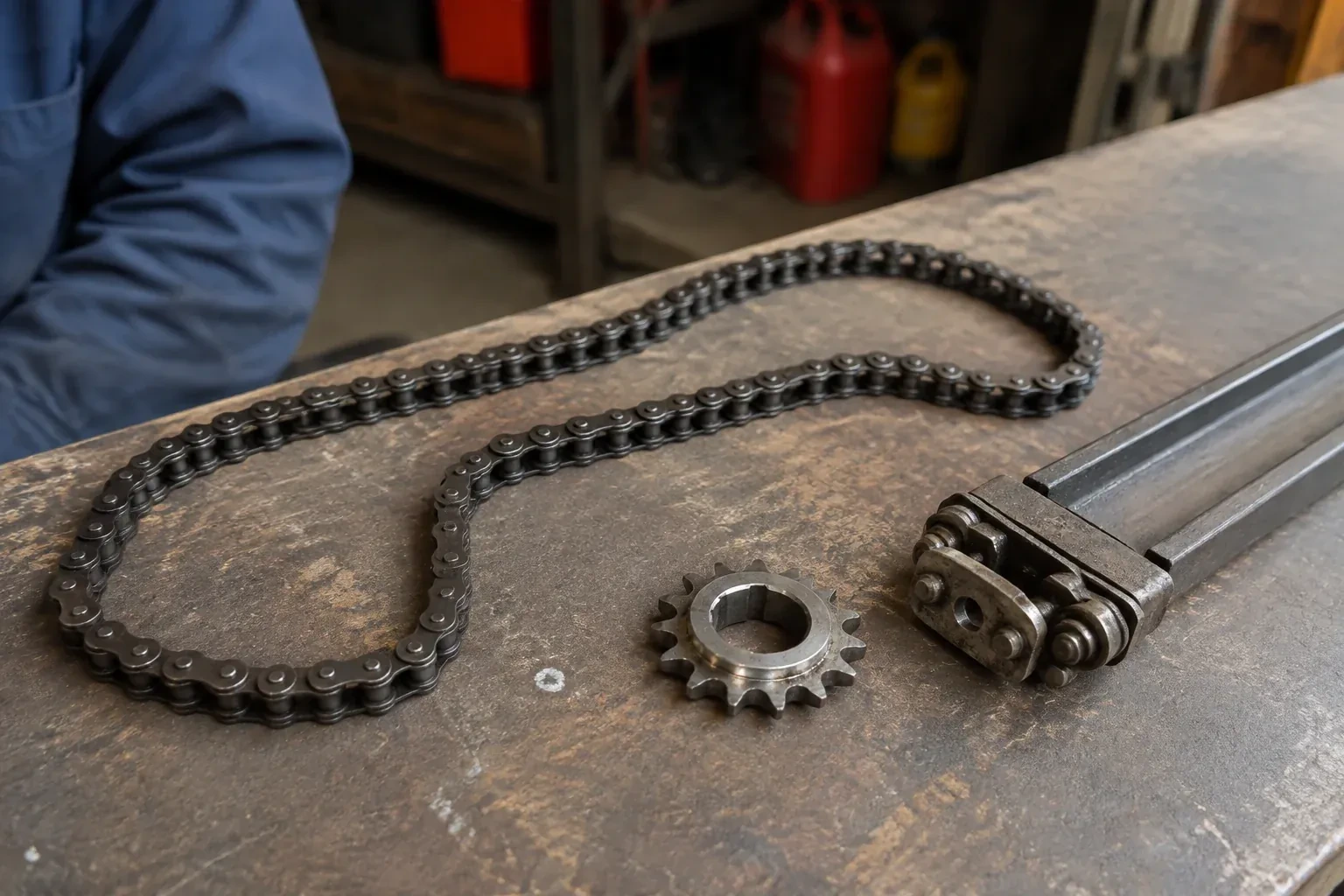
- Chain-Drive Opener RepairThe rail shakes when the door runs.
- Belt-Drive Opener RepairPress the remote and the motor runs its full cycle, lights on, the usual whir, but the door does not move a centimetre.
- Garage Door Opener ReplacementPress the button and the motor hums, but the door stays exactly where it is.